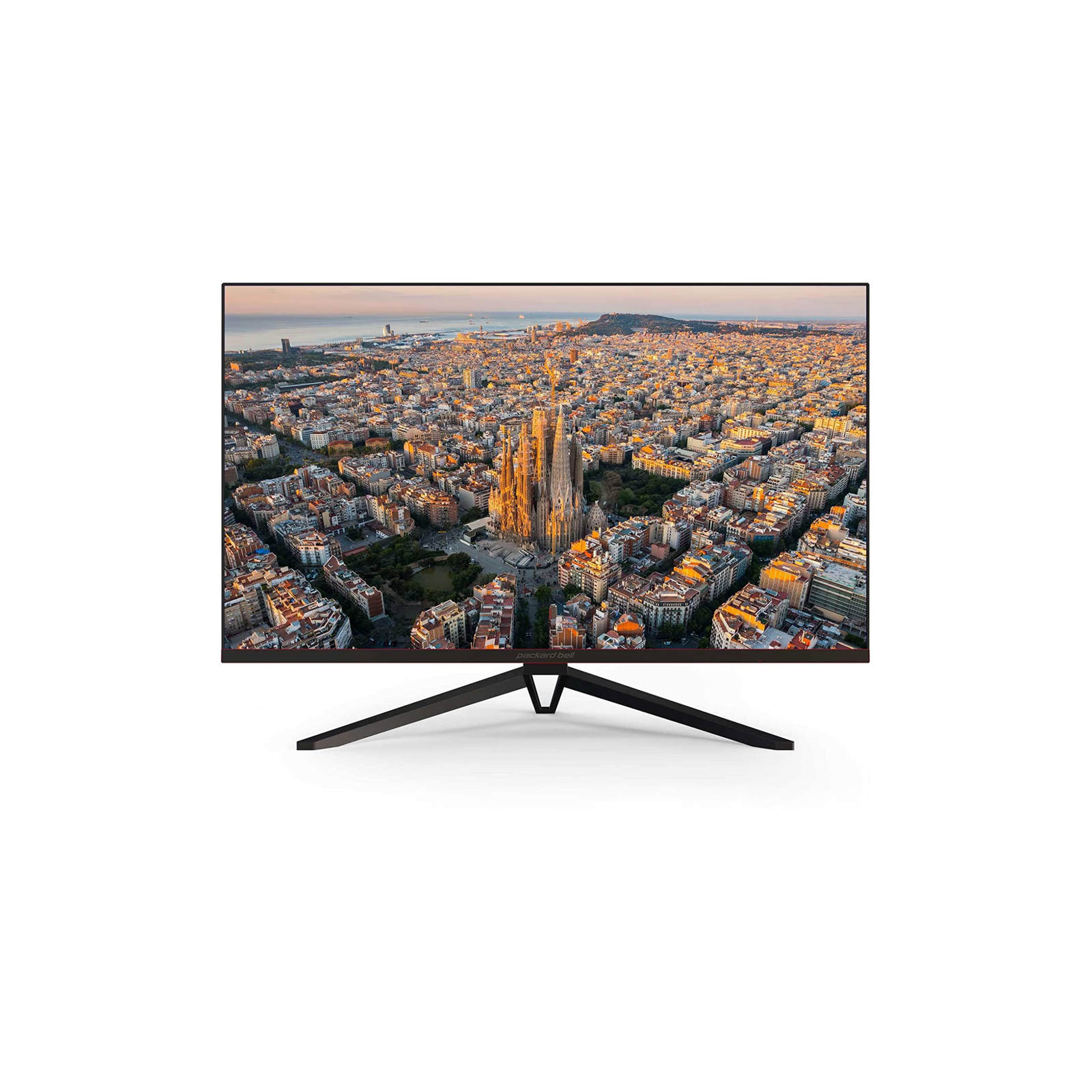
Packard Bell PCs Built for Everyday Life
Reliable computers and displays built specifically for families, students, and home offices who need dependable technology that just works. Quality hardware engineered for everyday performance at prices that actually make sense, all from a brand you remember and trust.

What We Build
Computers, laptops, and monitors built for work, study, and everyday use—reliable technology that fits into your routine without overcomplicating it, whether you’re working from home, helping kids with homework, or managing personal projects.
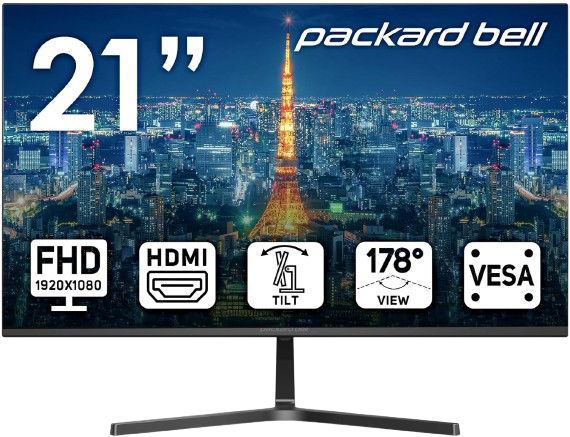
AirFrame 21″ FHD Monitor, 1920×1080, Ultrawide, VESA Mount Compatible
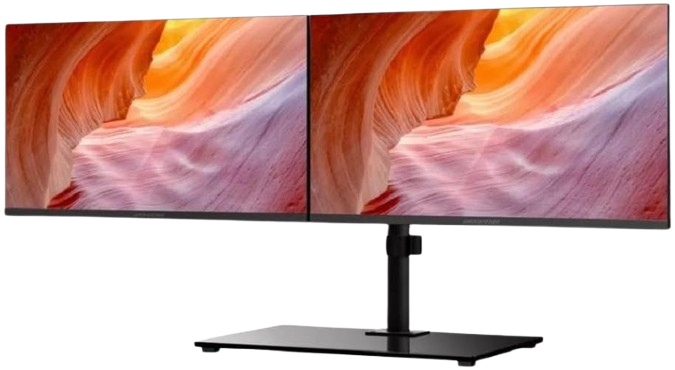
AirFrame Workstation – 2X 21 FHD Monitors, VESA Mount Included
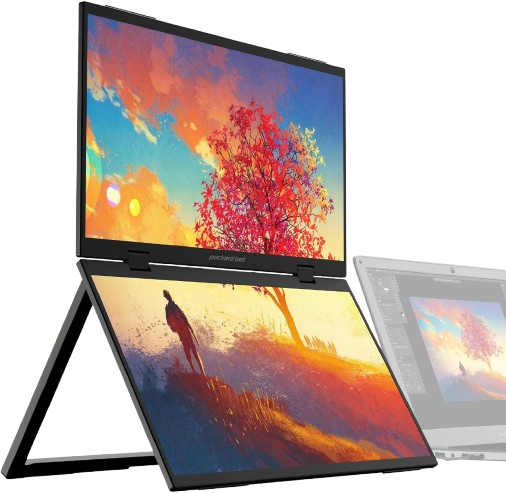
AirFrame Dual 15.6-inch Portable Monitor, USB-C and HDMI, Vertical Stacking
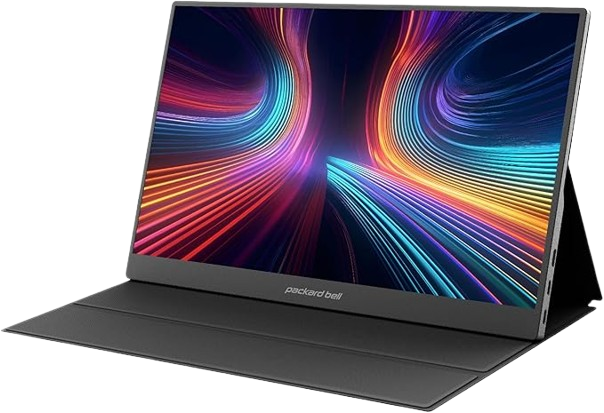
15.6″ Portable FHD 1080P Monitor – Ultra-Slim IPS Display with USB-C & HDMI
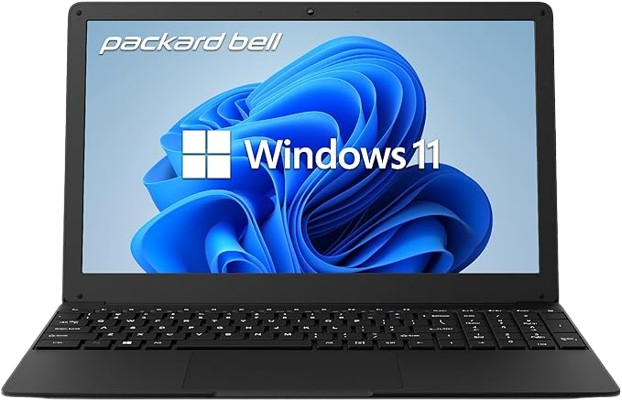
15.6 inch Laptop IPS FHD 1920 x 1080 Resolution Laptop Computer
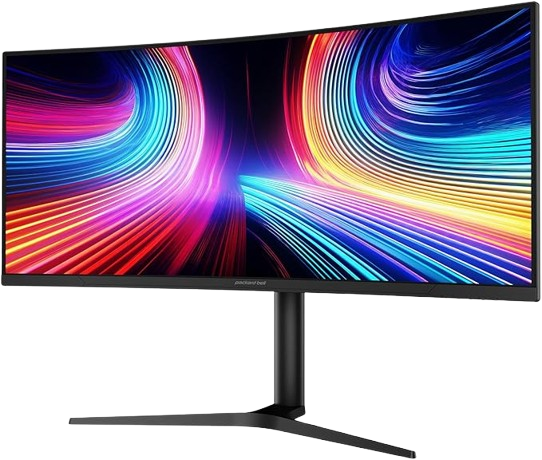
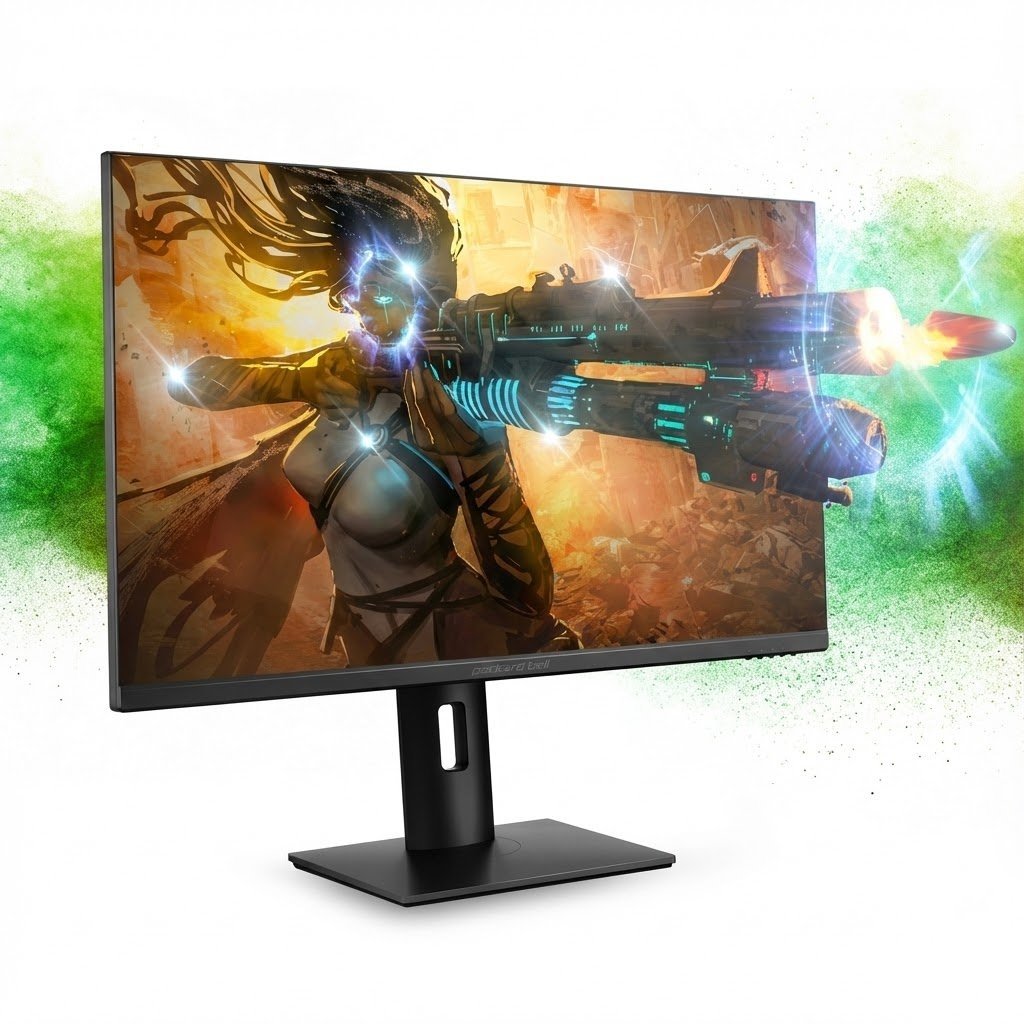
34-inch Ultrawide Curved Gaming Monitor, WQHD 3440×1440, 178° Viewing Angle
What Packard Bell Delivers
Packard Bell focuses on building computers and monitors that work reliably for everyday tasks—without the premium price tags or unnecessary features that complicate simple computing needs.
Straightforward Technology
Packard Bell builds computers and monitors designed for everyday use—no unnecessary complications, just reliable hardware that handles daily tasks without drama.
Honest Pricing
You get functional equipment at prices that reflect actual value, not inflated by premium branding or features most people never use.
Practical Design Choices
The focus is on screens that don’t strain your eyes during long work sessions, keyboards that feel comfortable, and components that keep systems running smoothly for years.
Find Your Perfect Tech Match
Whether you’re powering through work deadlines, helping kids with homework, or finally organizing those thousands of family photos, the right computer makes everything easier. We build reliable technology for real life—no complications, just machines that work when you need them.
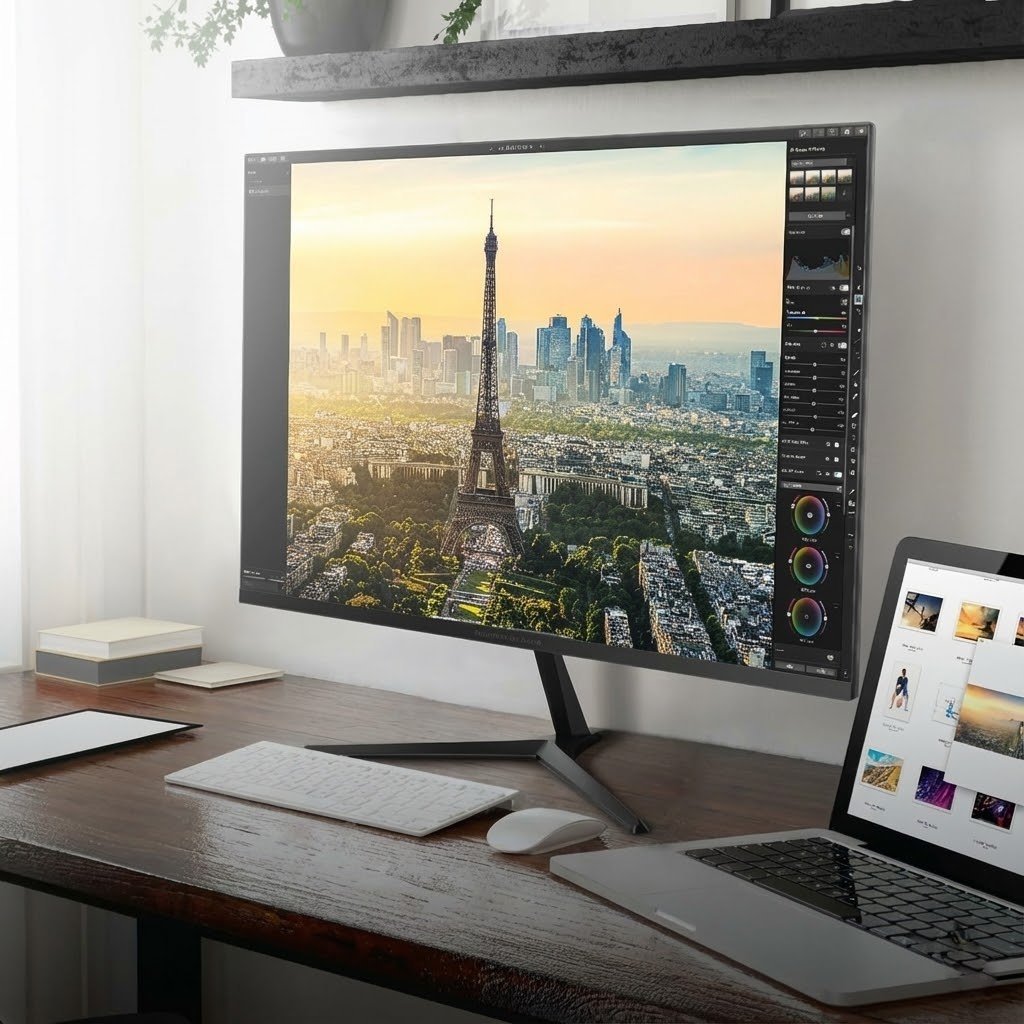
Monitors
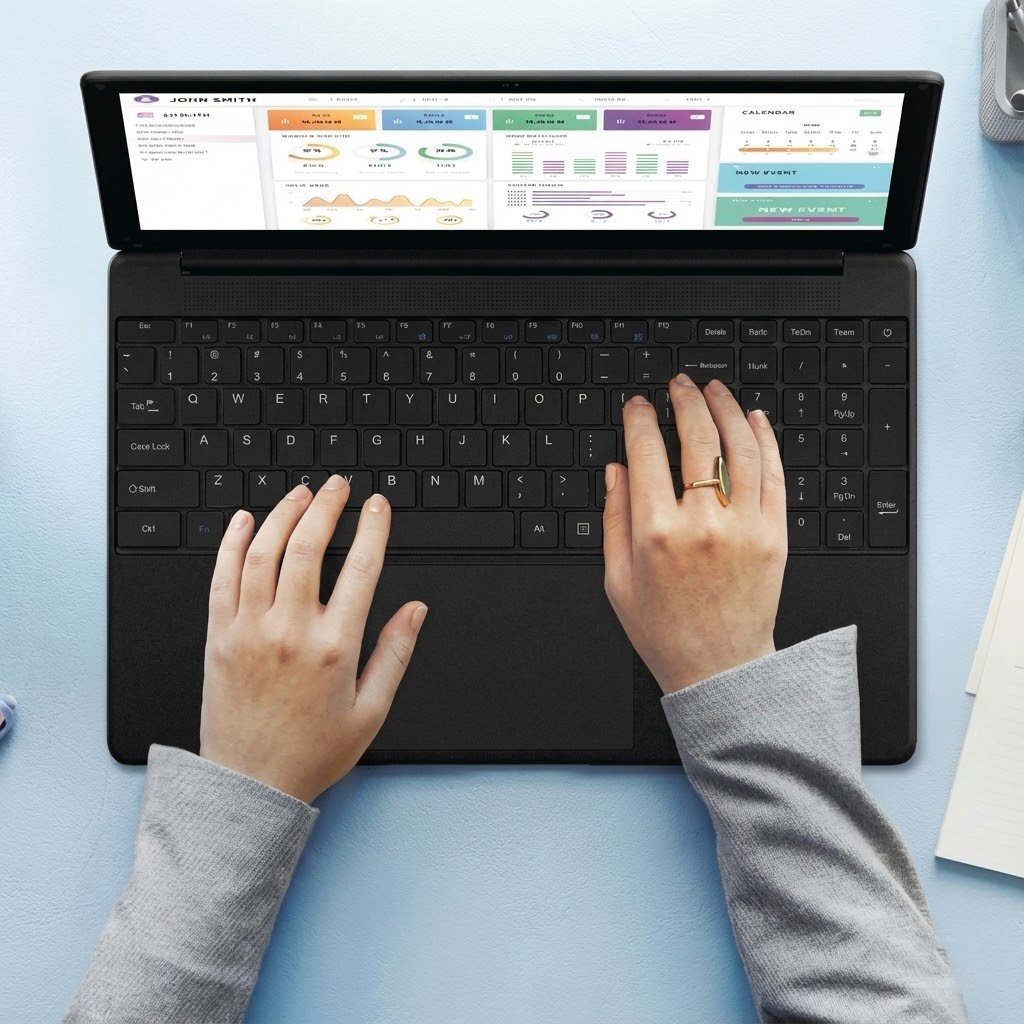
Laptops
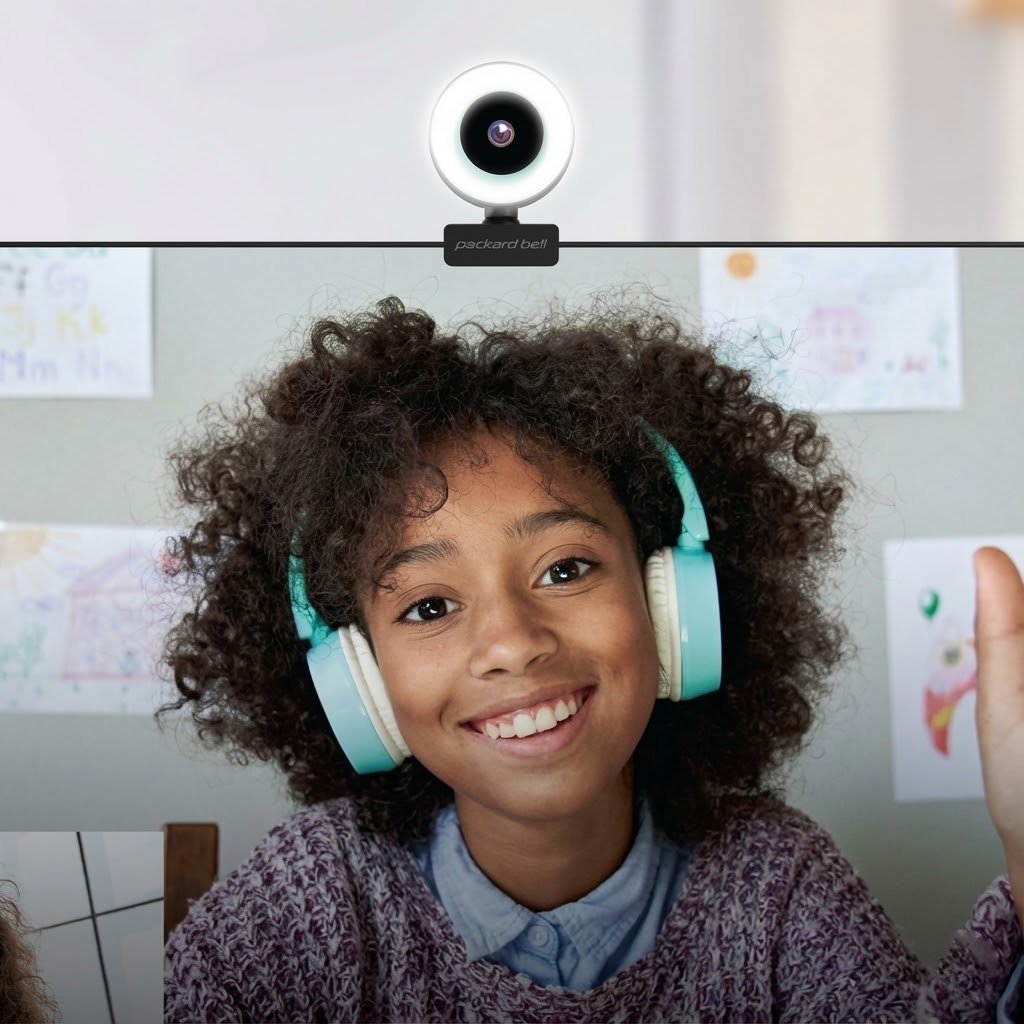
Accessories
Common Questions Answered
This section covers helpful information about orders, technical support, and product care.
Standard shipping usually takes 5-7 business days within the continental United States. Expedited options are available at checkout for delivery within 2-3 business days. International orders may take 10-15 business days depending on the destination country and customs processing times. Tracking information is sent via email once the order ships.
Most products come with a one-year limited warranty that covers manufacturing defects and hardware malfunctions under normal use. This includes issues with components, display problems, and power-related failures. The warranty does not cover accidental damage, liquid spills, or modifications made by unauthorized service providers. Extended warranty options can be purchased at the time of sale.
Returns are accepted within 30 days of delivery for a full refund, provided items are in original condition with all accessories and packaging. Products should be unused and include all documentation. A return authorization number must be obtained before sending items back. Return shipping costs are the responsibility of the customer unless the item arrived damaged or defective.
Screens should be cleaned using a soft, lint-free microfiber cloth slightly dampened with water. Harsh chemicals, ammonia-based cleaners, and paper towels should be avoided as they can damage protective coatings. The device should be powered off before cleaning. For stubborn smudges, screen-safe cleaning solutions designed for electronics can be used sparingly.
Technical support is available through phone, email, and live chat on the official website. The support team can help troubleshoot software issues, driver updates, and hardware concerns. Many common problems can be resolved through online guides and video tutorials in the support section. If repair is needed, authorized service centers are listed on the website by location.
Replacement parts such as power adapters, cables, and certain internal components can be ordered directly through customer service. Availability depends on the specific model and how long it has been on the market. For older models, third-party compatible parts may be recommended if original components are no longer stocked. Prices and compatibility information can be confirmed by contacting support with the model number.
Have a Question? Get in Touch
The form below allows sending an inquiry to the support team for additional assistance with any question.
Still Here. Still Building.
Packard Bell has been making computers since before most people had one in their home. We started in the ’80s putting PCs on kitchen tables and home office desks, back when owning a computer felt like a bigger deal than it probably should have. We’ve watched the industry grow up, watched it get complicated, watched it fill up with specs that don’t matter and features nobody asked for. Through all of it, we’ve kept doing what we’ve always done: building reliable machines that work the way you need them to work.
We’re not chasing the bleeding edge. We’re not reinventing what a laptop should be or promising you’ll suddenly become more creative because of your monitor. Our PCs are for people who need to get work done, watch movies without buffering, video call their family, or just browse the internet without their computer freezing every twenty minutes. We build for longevity over novelty, function over flash. If you want a computer that’ll still boot up three years from now without begging for repairs, that’s what we’re here for.
The tech world loves to tell you that last year’s model is obsolete, that you need to upgrade constantly to keep up. We don’t buy it. A good computer should last. It should be repairable when something goes wrong. It should do what you bought it to do without making you feel like you’re already behind. That’s been our approach for decades, and it’s not changing now. We’re still here because we build things that stick around.
Stay Connected
Get the latest updates on new releases, technical insights, and computing trends delivered straight to the inbox.
More From Packard Bell
Accessories and peripherals that complement your workstation—from wireless keyboards to cables and laptop bags.
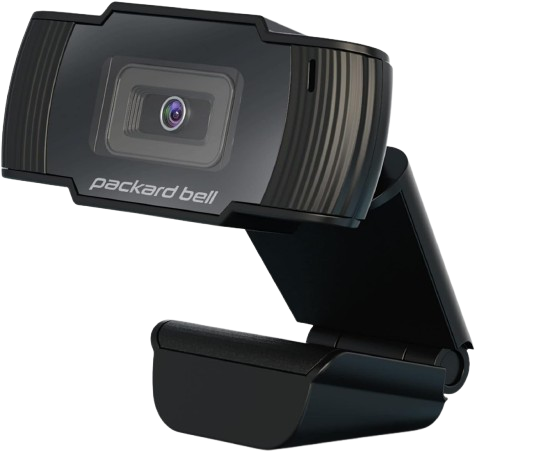
High Resolution 1080p Desktop Webcam, Full HD, USB 2, Built-in Mic
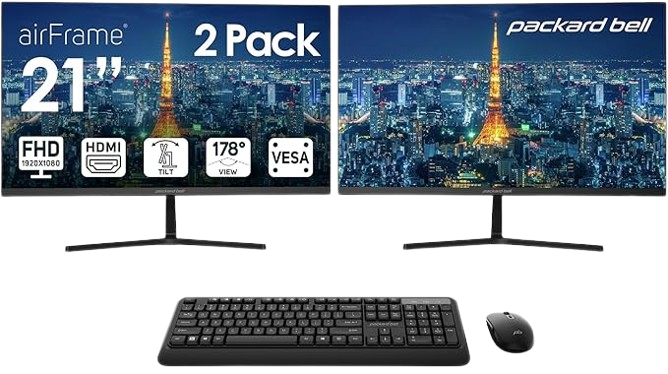
21 Inch Monitor FHD 1920 x 1080 Computer Monitor, 75 Hertz, Dual Monitor
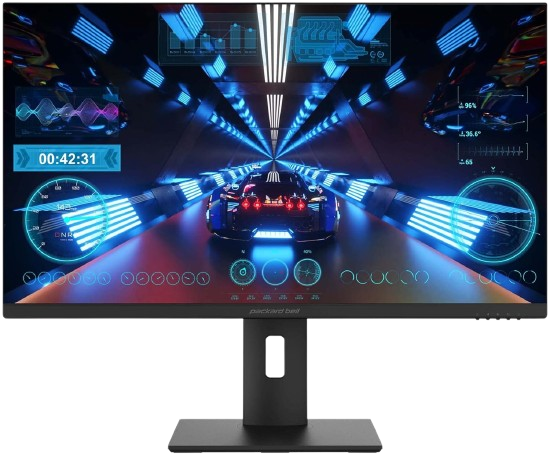
28 Inch Gaming Monitor, 4K UHD 2160p, 3840 x 2160, 144Hz, 1ms, FreeSync
Loved by Users Worldwide
From home offices to dorm rooms, our customers trust Packard Bell to deliver reliable performance without the premium price tag.

Marcus T.
Switched to a Packard Bell monitor for my home office setup, and the color accuracy is noticeably better than my old display. My eyes don’t feel strained after long design sessions anymore.

Jennifer K.
I needed a reliable laptop for my daughter’s college work that wouldn’t break the bank. The EasyNote series has held up beautifully through two semesters of heavy use—fast startup, solid battery life, and she’s never had a crash.

Raj P.
The all-in-one PC I got for my parents is perfect for them. Setup took me maybe 15 minutes, and they love how everything’s built into the screen. No messy cables, no confusion about what plugs in where.
Every question, suggestion, and piece of feedback helps shape better products and services for the community.